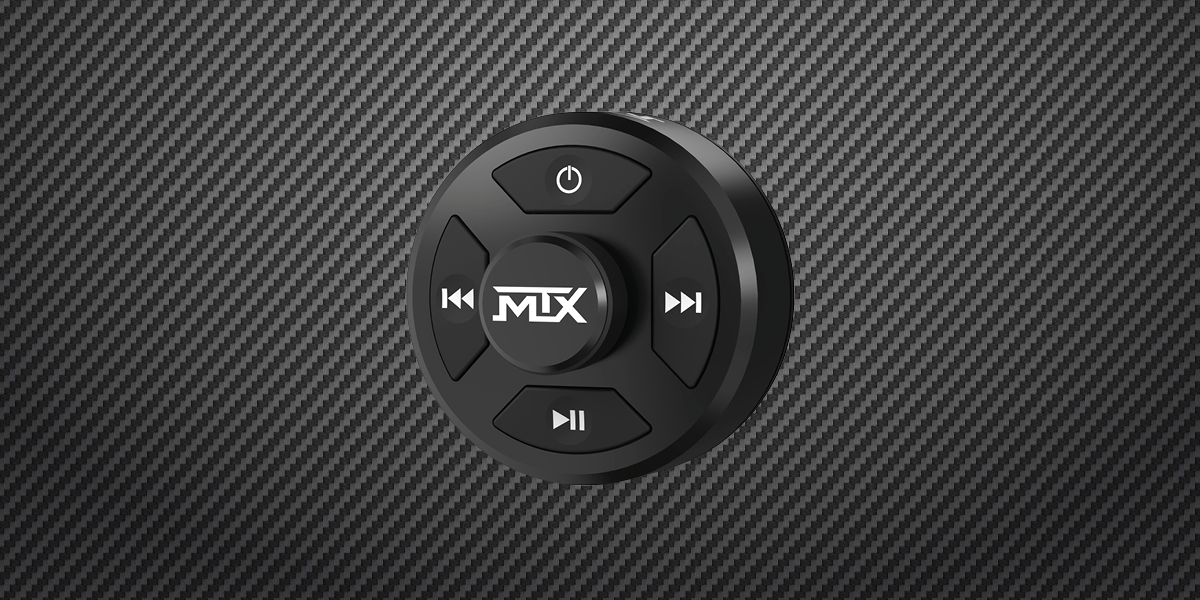
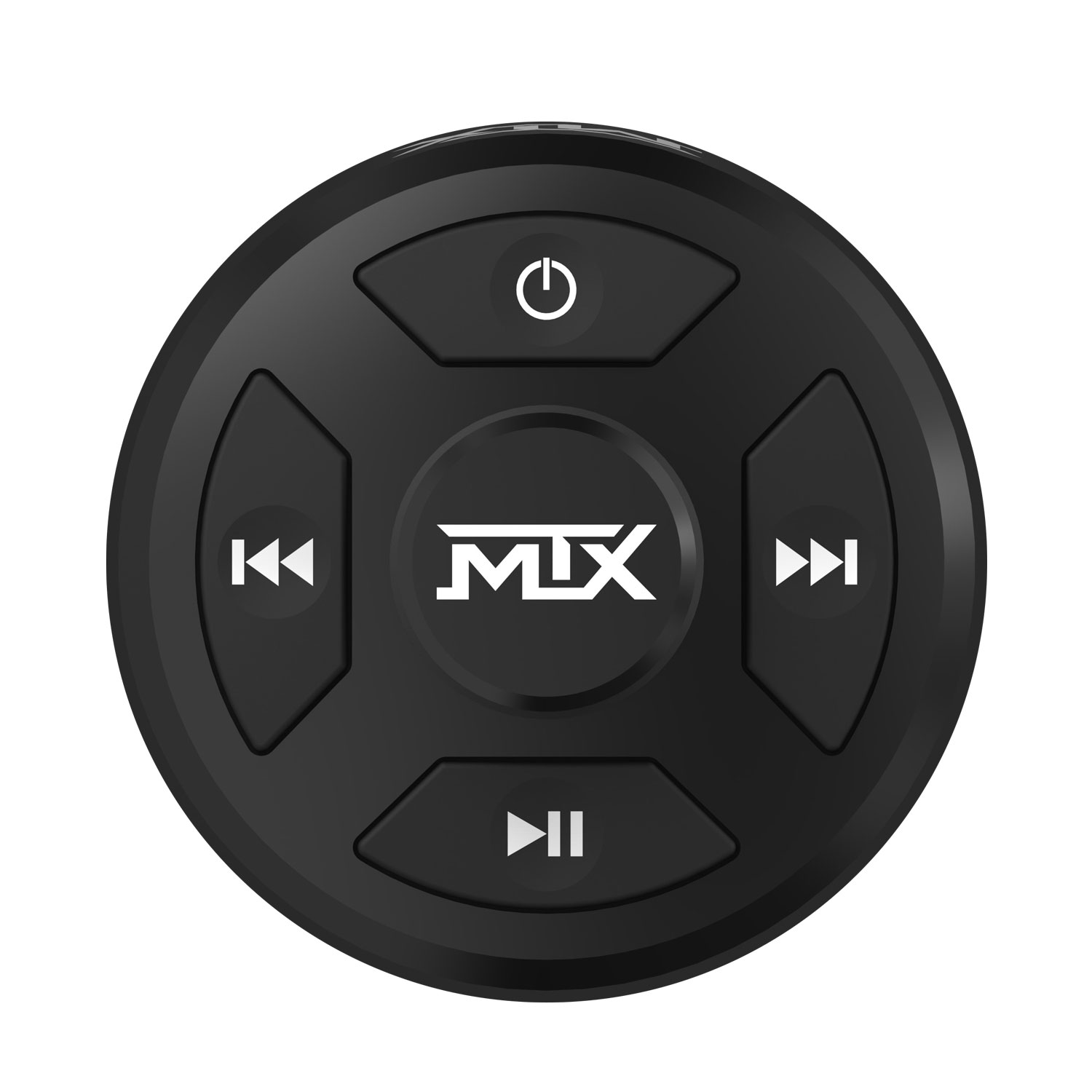
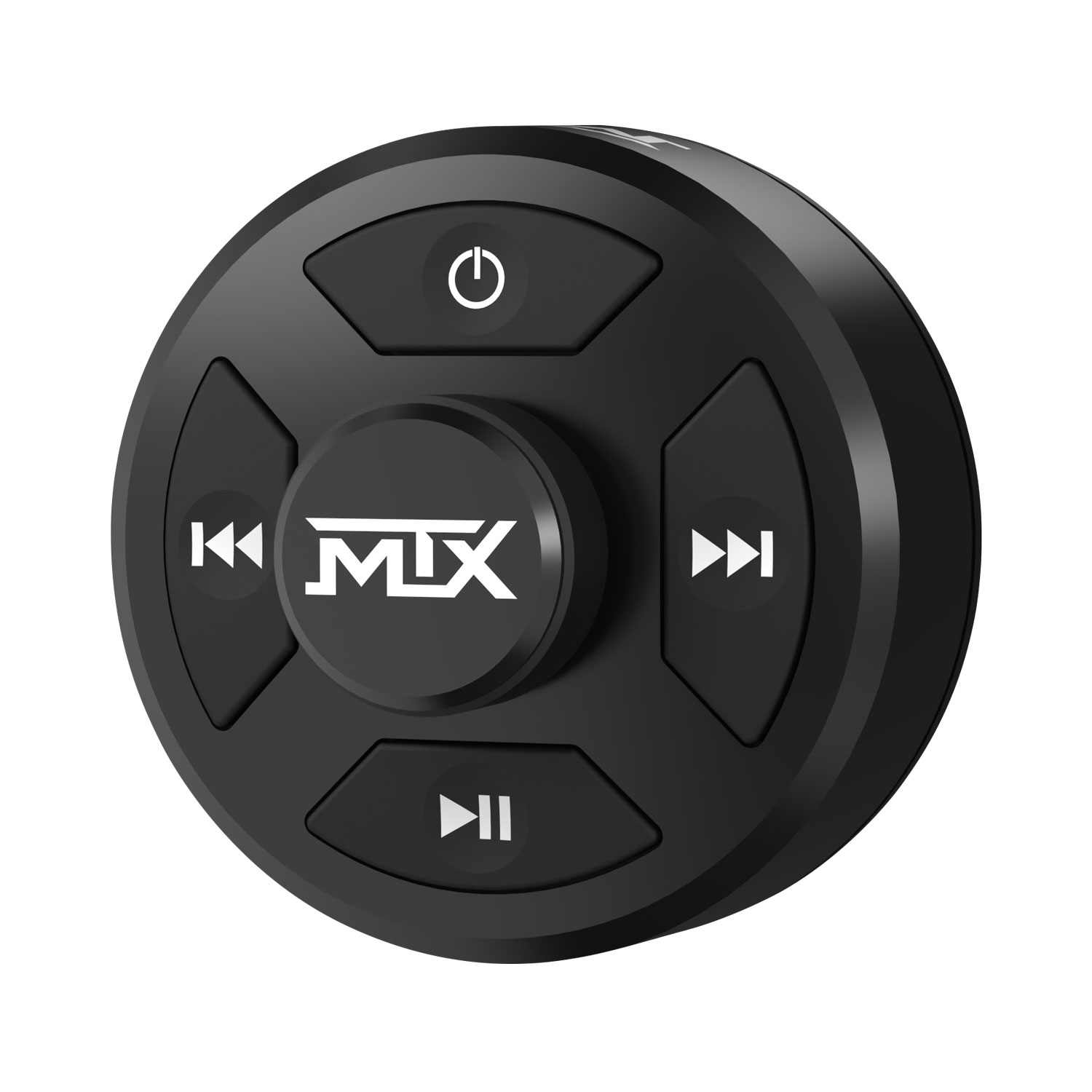
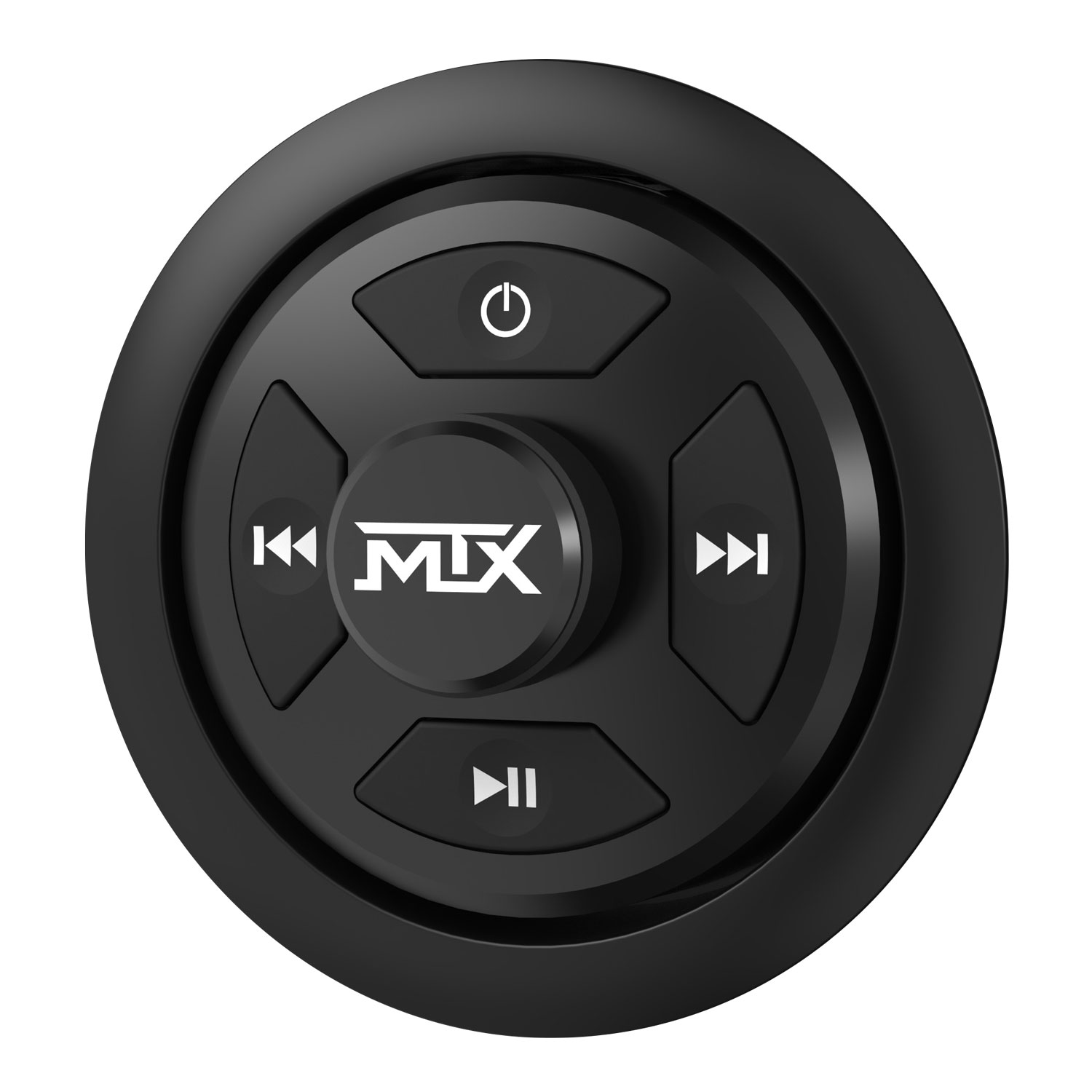
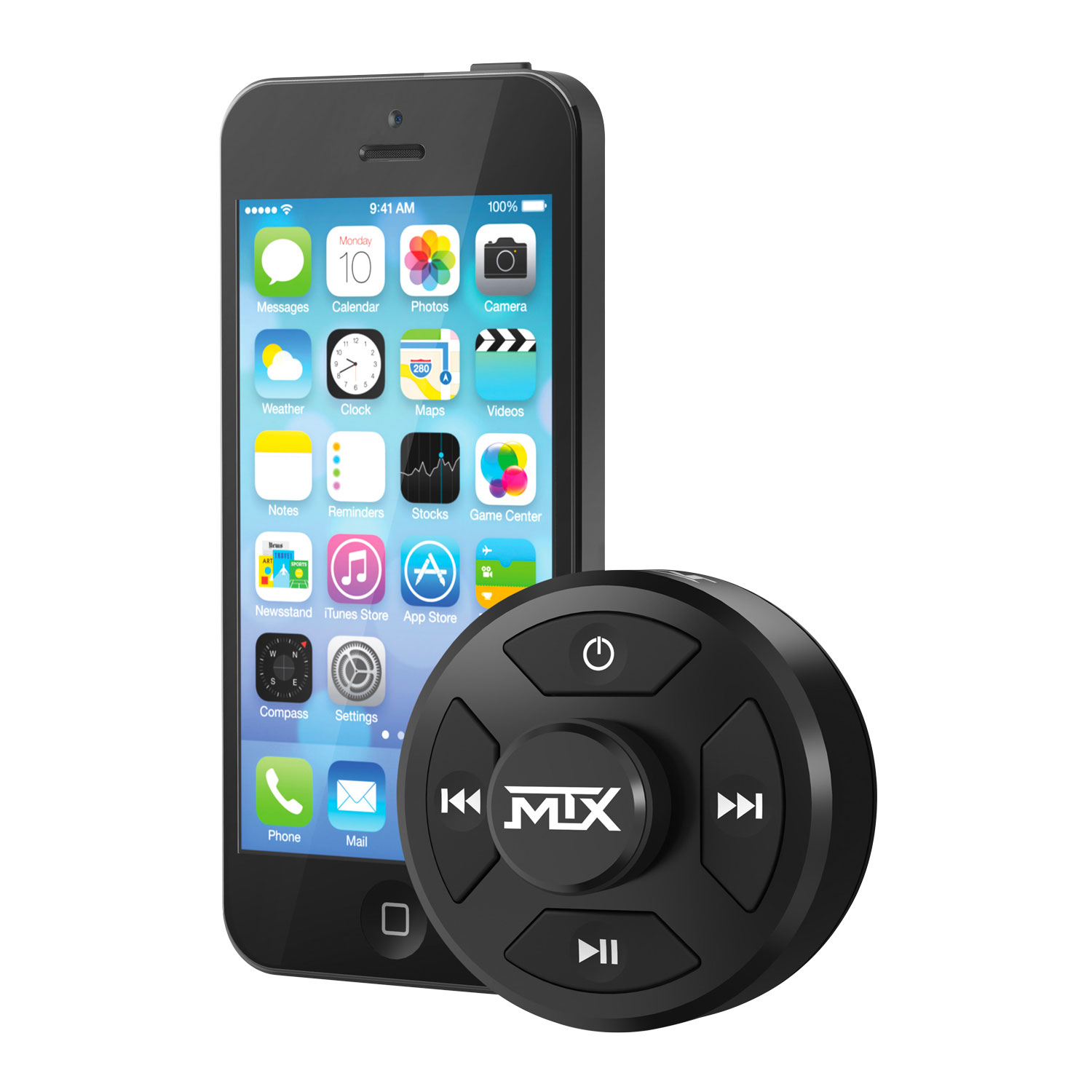
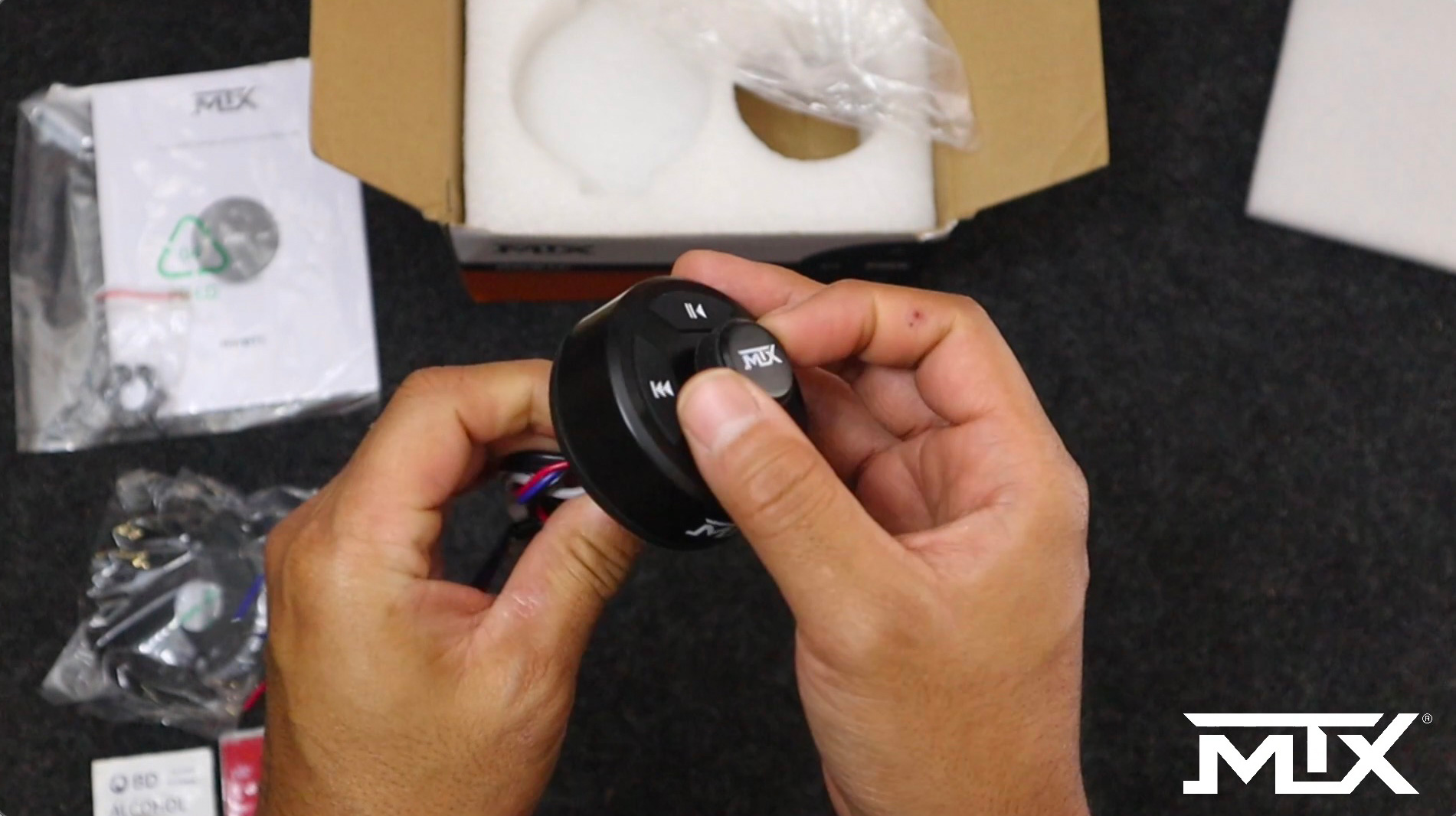
- The AWBTC (weatherproof Bluetooth controller)
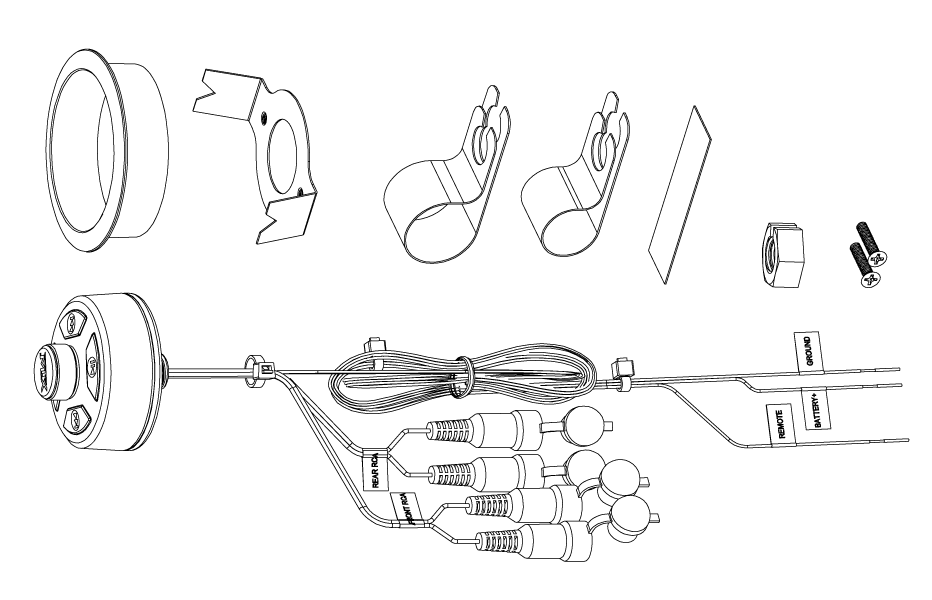
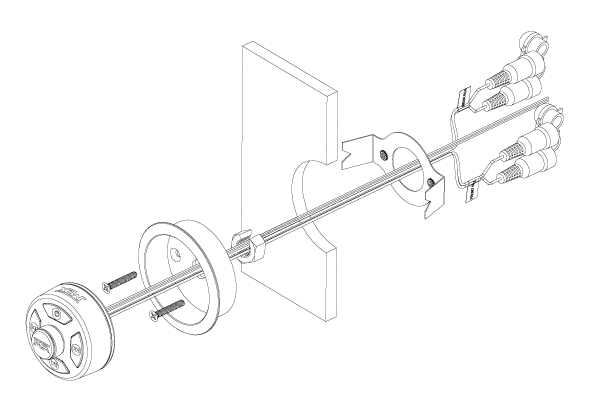
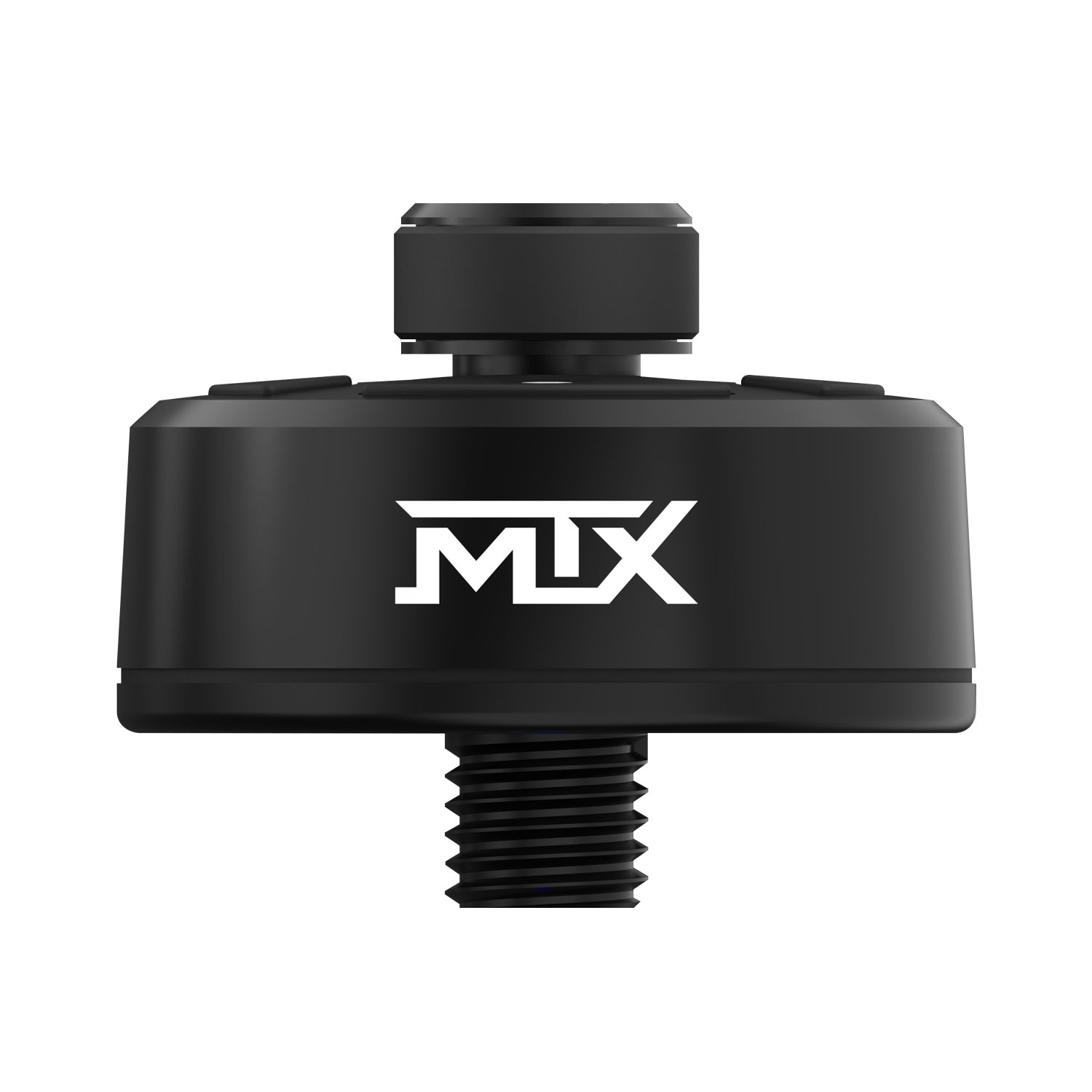
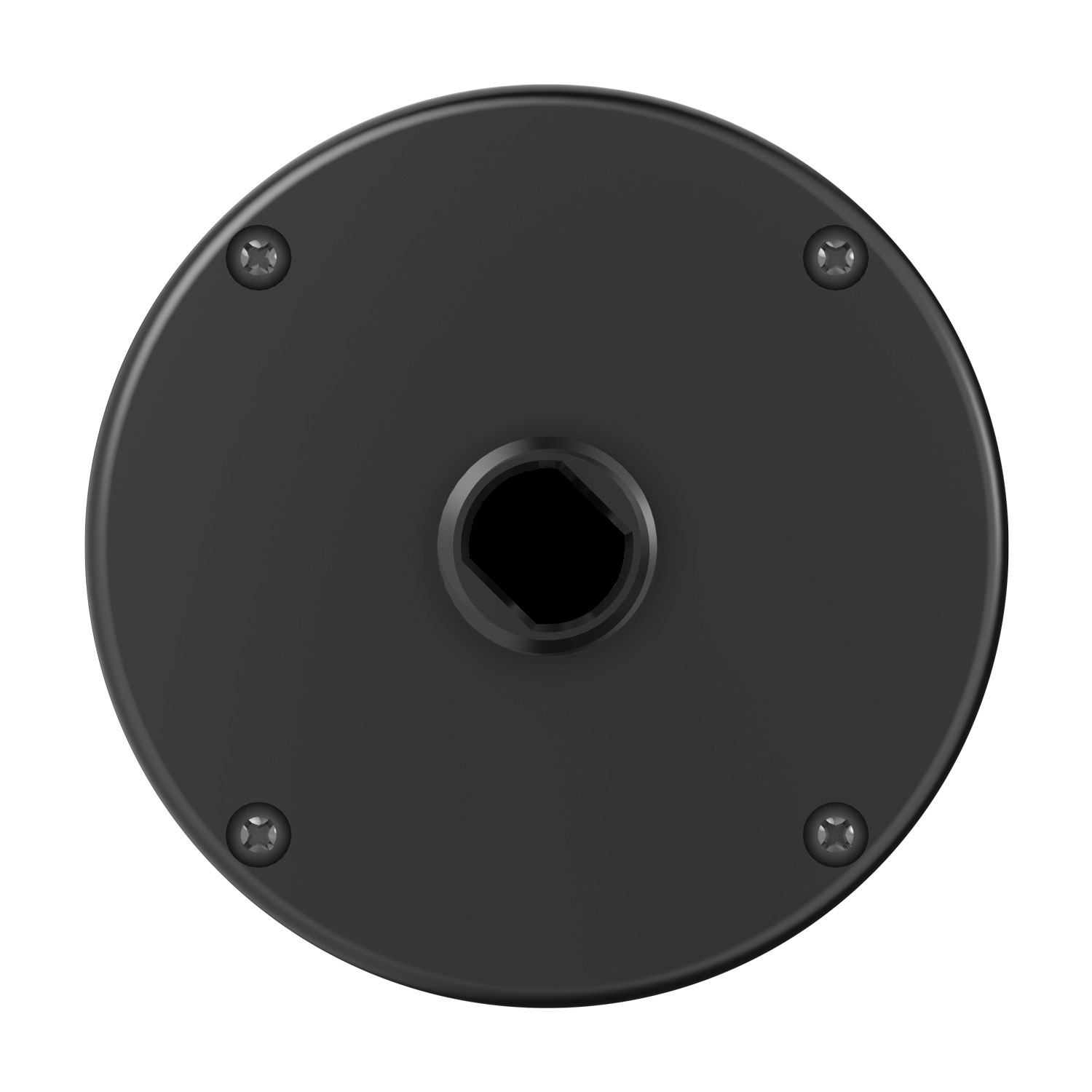
- Cup and bracket for flush mounting
- Two mounting screws for the flush-mount cup
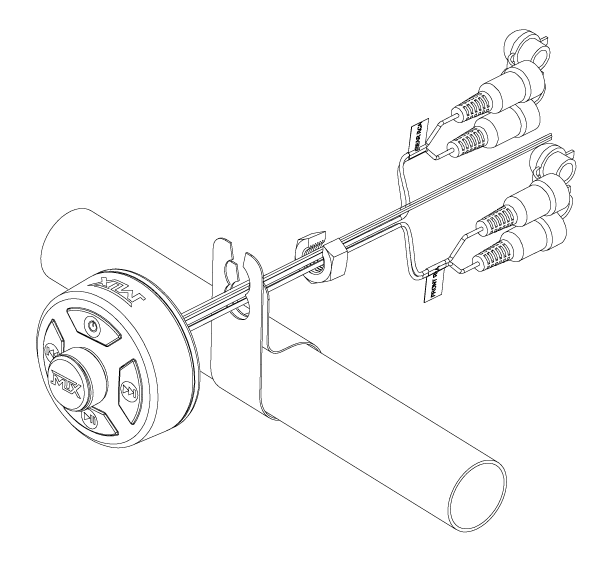
- Small mounting clamp
- Large mounting clamp
- Hex nut with a slot
- Double-sided adhesive tape
- User manual
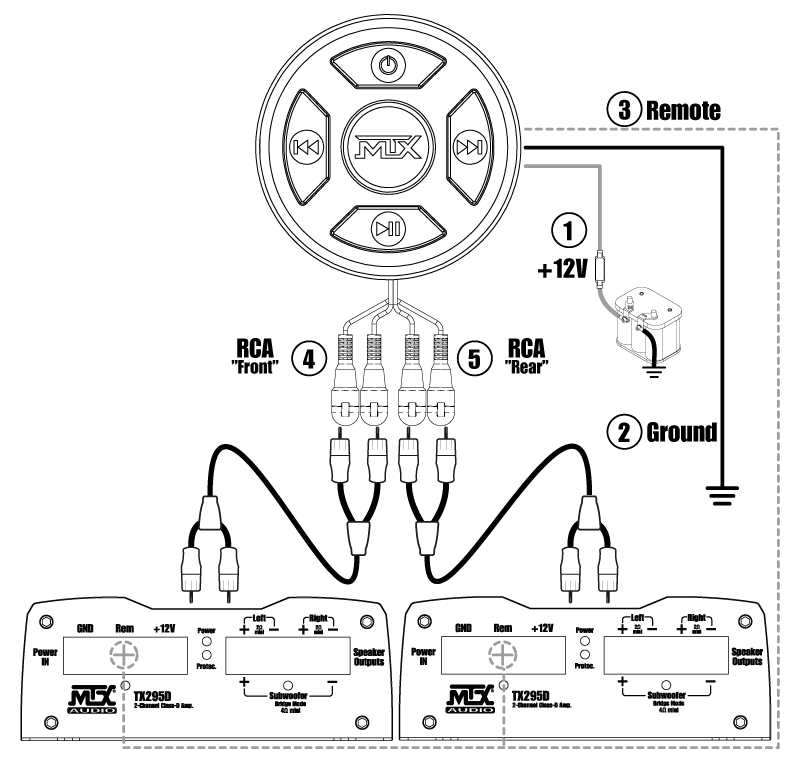
Surface-mount
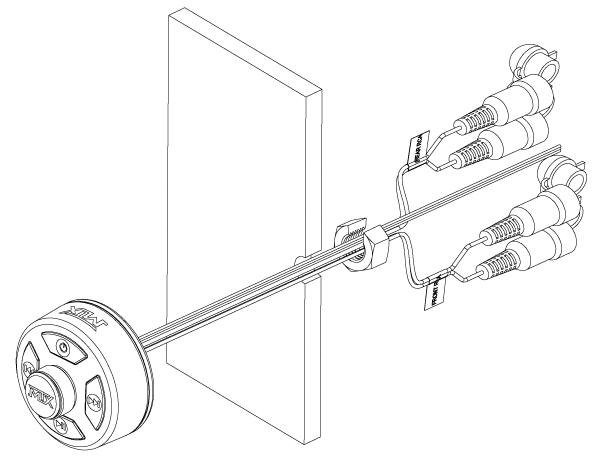
Flush-mount
Bar-mount
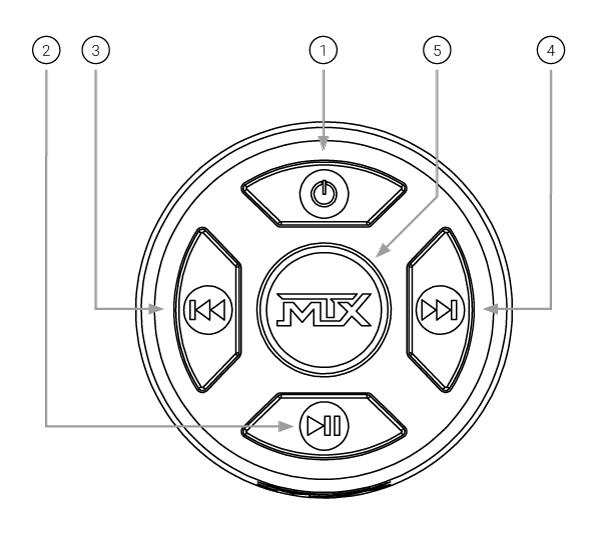
Power This push button is used to turn the AWBTC on and off. When the AWBTC is powered on, the 4 buttons on the face of the unit illuminate, and it automatically begins searching for Bluetooth connections. Note: a. To pair a mobile device to the AWBTC, access the Bluetooth Settings on the mobile device and select “AWBTC”. When the device is successfully paired, the audio on the device will begin to play through the AWBTC b. Once a mobile device has been paired, it will automatically connect when the AWBTC is powered on until it is manually unpaired / forgotten on the mobile device.
Play/Pause This push button is used to play and pause the audio being played on the connected Bluetooth device.
Previous Track This push button selects the previous track to be played on the connected device.
Next Track This push button selects the next track to be played on the connected device.
Volume / Bluetooth Knob When rotated, this knob adjusts the volume of the audio being played on the connected device.
Note: The volume controls on the connected device remain active when connected, and must be turned up to achieve the full output of the AWBTC. The Volume / Bluetooth knob is also used to connect / disconnect the paired device. Press the knob to connect to a paired device. Press and hold the knob for 2 seconds to disconnect the paired device.




The company
HomeAudio
CarAudio
High Level > RCA
StreetAudio
CarAudio
Amplifiers
CarAudio
TR / TX2 Speakers
CarAudio
TX4 Speakers
CarAudio
TX6 Speakers
RTX Speakers
CarAudio
RT Subs
TX6 Subs
TX8 Subs
RFL Subs
SLH Unloaded
Enclosures
CarAudio
Passive
Enclosures
Powered
Enclosures
CarAudio
Accessories
CarAudio
RCA Interconnects
MarineAudio
Motorsports
MTX around the world
MTX - Mitek Europe
23 rue des Apennins 75017 Paris
Tel : +33 1 42 28 72 52 - contact@mtx.audio
© 2022 MTX Mitek Europe